

Where to find Klaviyo API Key: Step by Step Guide
Integrating your systems with Klaviyo unlocks a world of versatile marketing and communication possibilities. Your Klaviyo API (Application Programming Interface) key is the bridge that connects your platforms with Klaviyo and allows you to access a range of functions that power personalized email marketing and other features.
Understanding where to find and how to use your Klaviyo API key is essential. In this guide, we will walk you through each step to retrieve your API key from Klaviyo, ensuring you have everything you need to start leveraging its powerful capabilities.
Before we jump in, be sure you have an active Klaviyo account and the necessary permissions to access and manage the API settings. Note that Klaviyo has two types of API keys — a Public API Key (Site ID, used for front-end tracking) and a Private API Key (used for integrations and data access). Make sure you know which one your platform requires before getting started.
Step 1: Navigate to Your Klaviyo Account
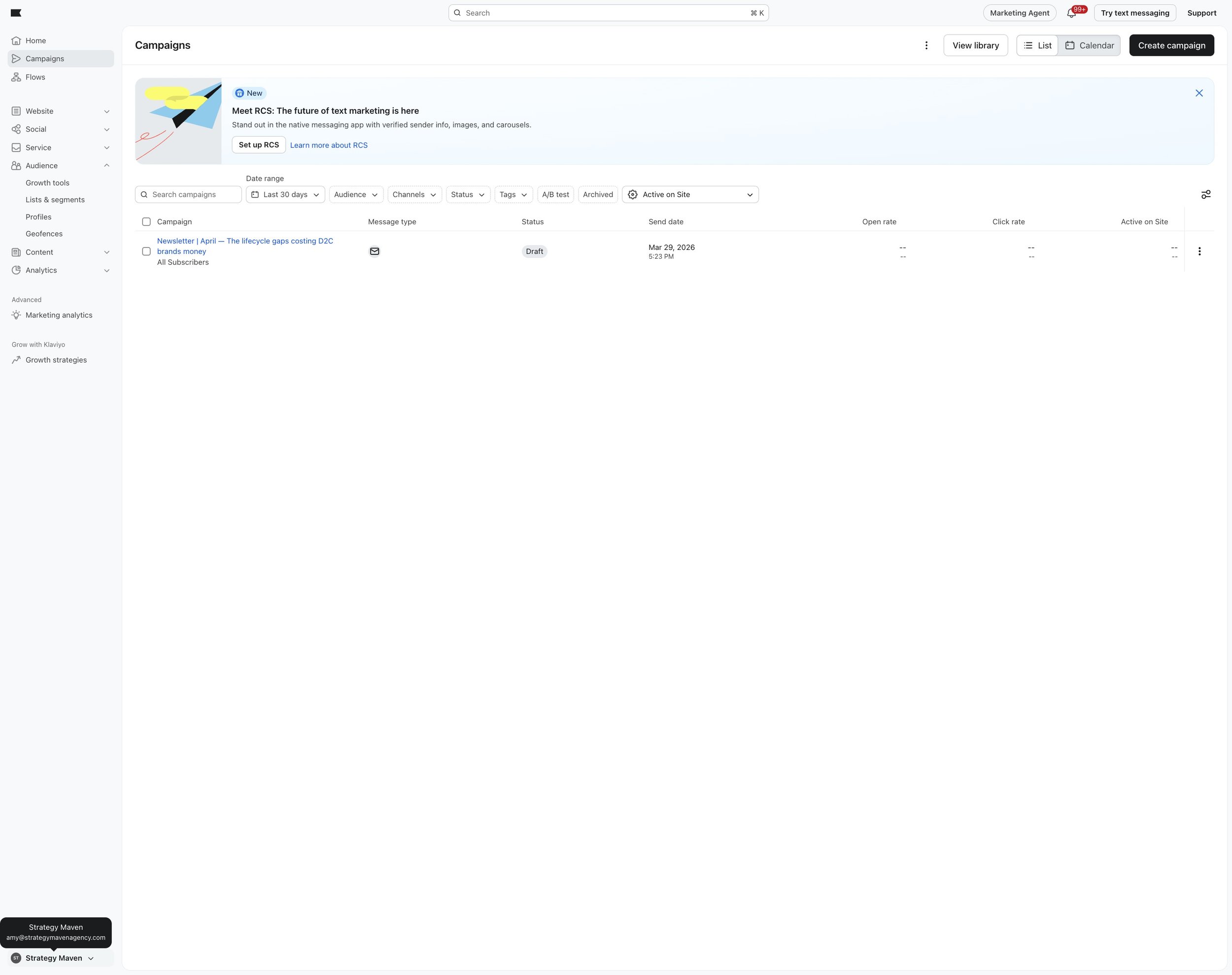
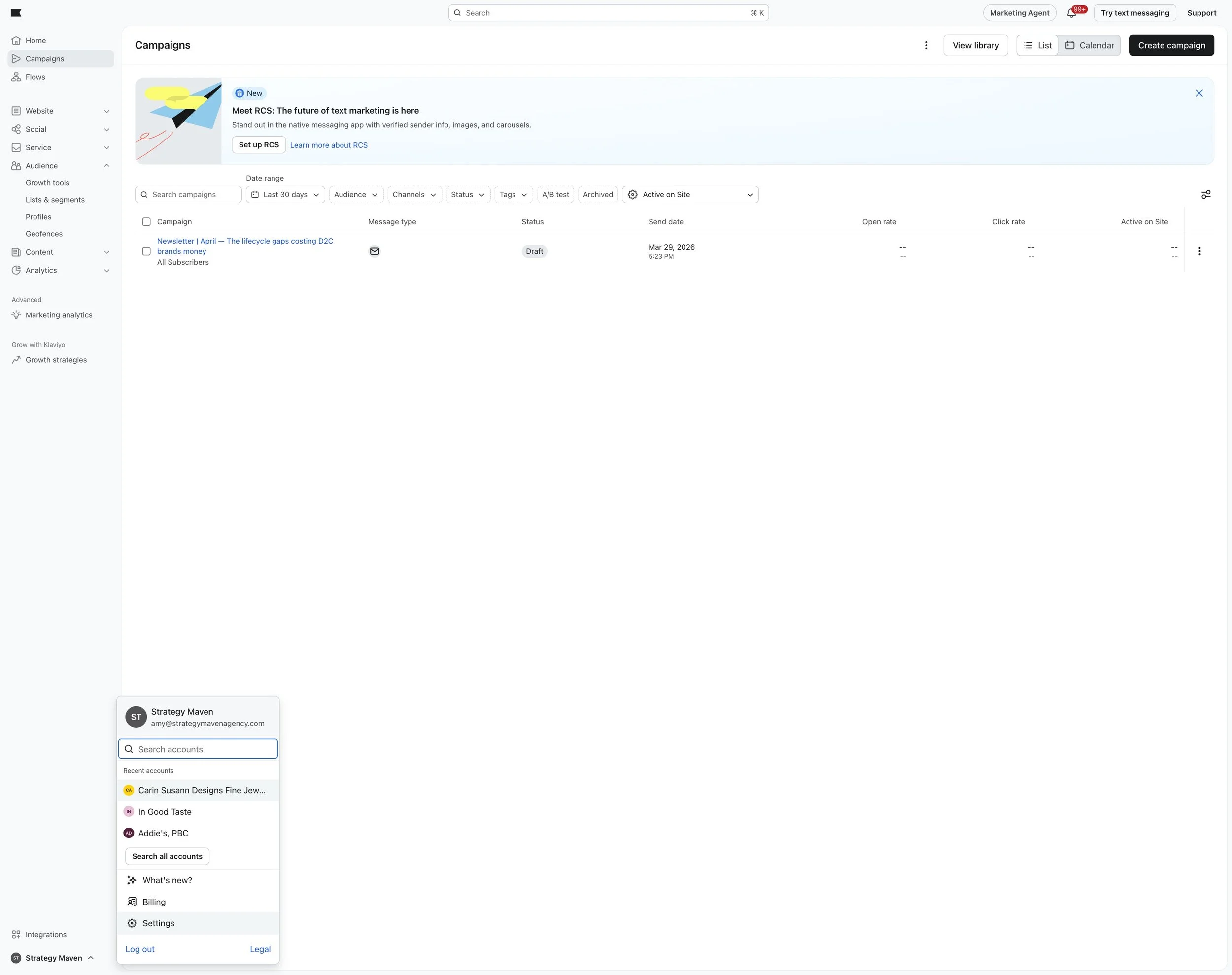
The first step is to log in to your Klaviyo account. Once you're signed in, head to the bottom-left corner of the screen, where you'll find your account name. Click on it to open the navigation menu and select Settings.
Step 2: Access Your Account Settings
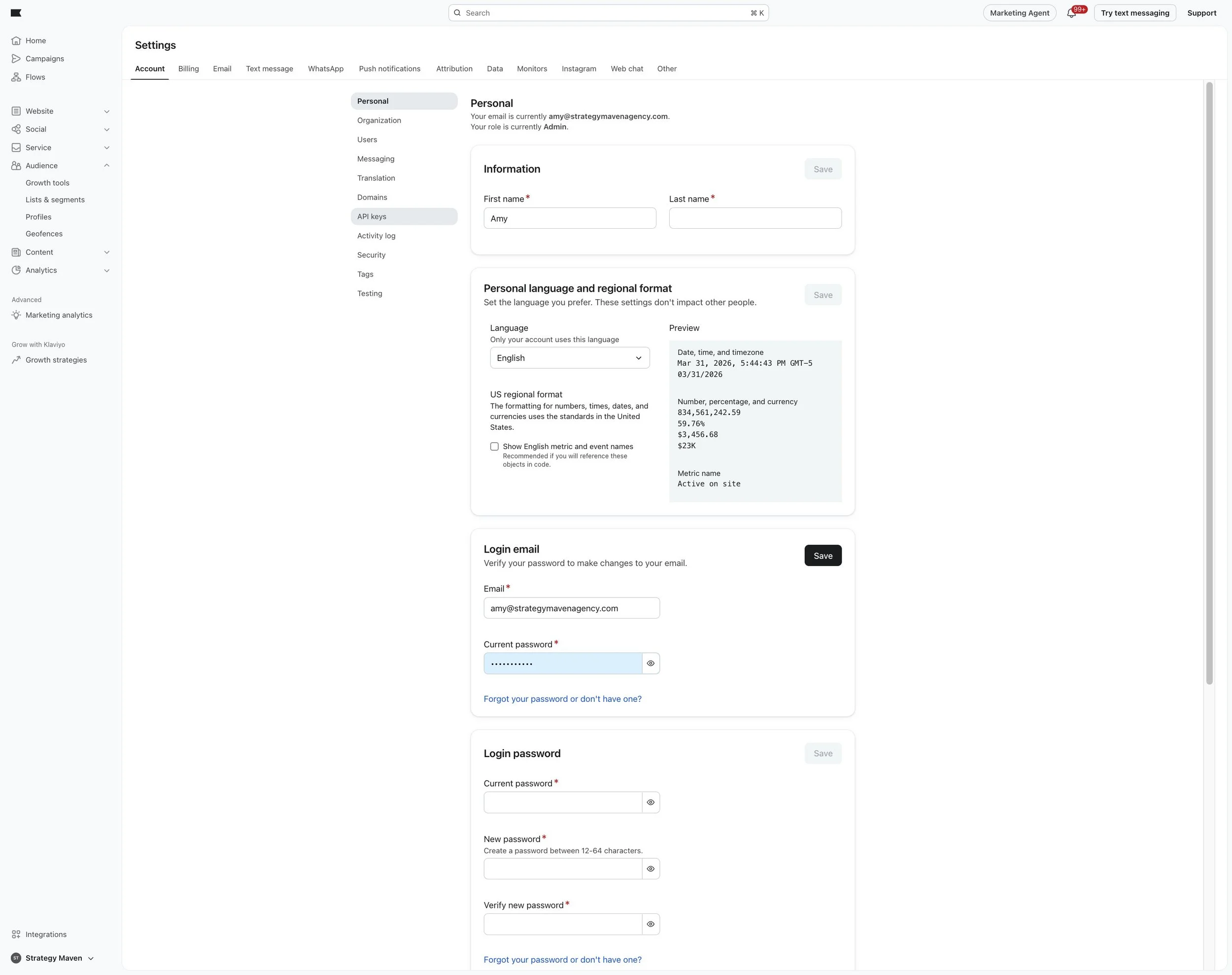
In Settings, navigate to the Account section.
Step 3: Locate the API Tab
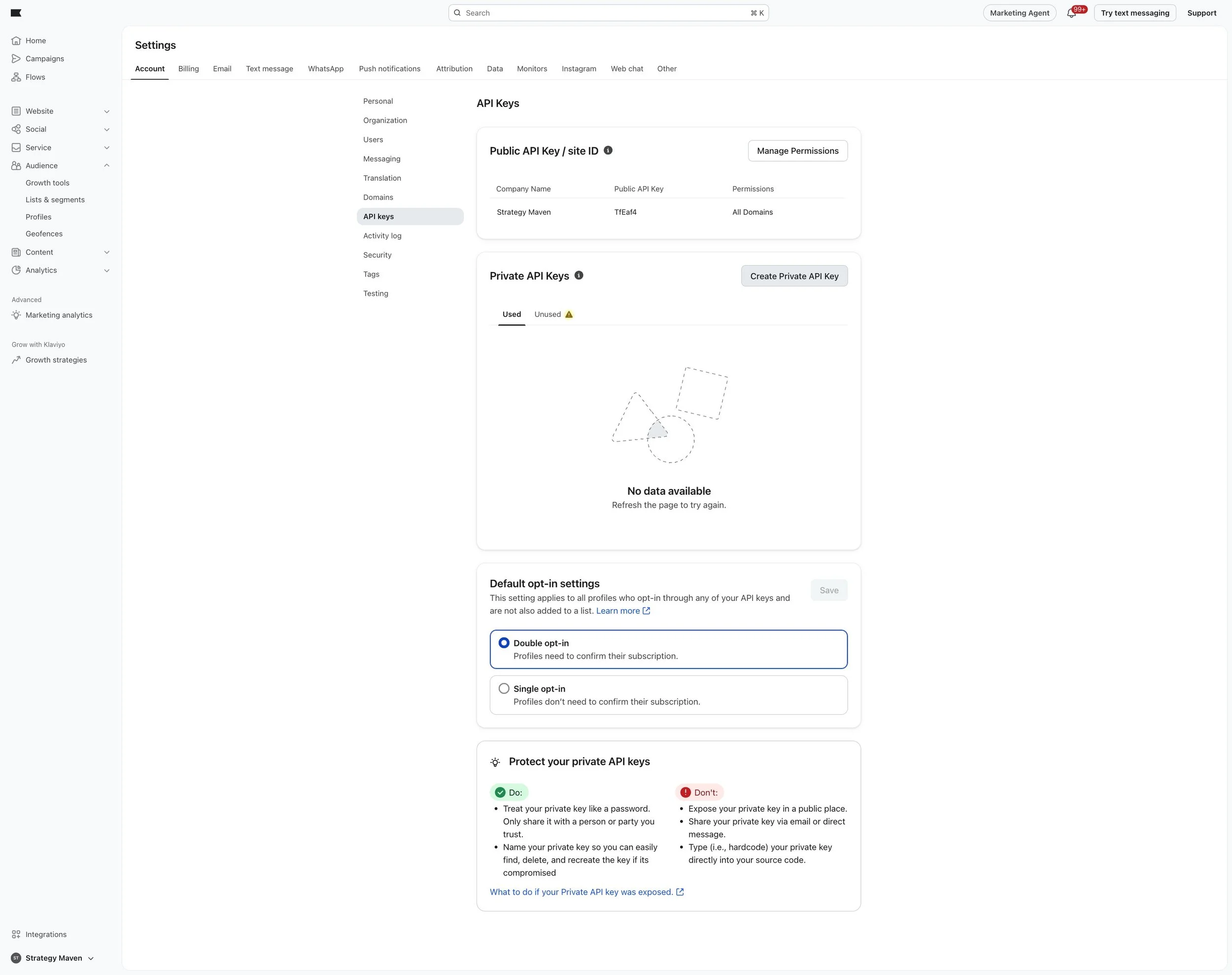
Once in Account, select API Keys. This is where you'll manage and find all the API-related information for your account — including your Public API Key and any Private API Keys. To generate a new Private API Key, click Create Private API Key, assign it a name, set the required permissions, and save.
After successfully acquiring your API key, you are now ready to connect Klaviyo with your preferred platform!
If you’re looking for expert guidance to seamlessly integrate your Klaviyo API key and unlock its full potential, our team is ready to help. Book a free consultation today and take the first step towards boosting your marketing efforts with the power of Klaviyo.